


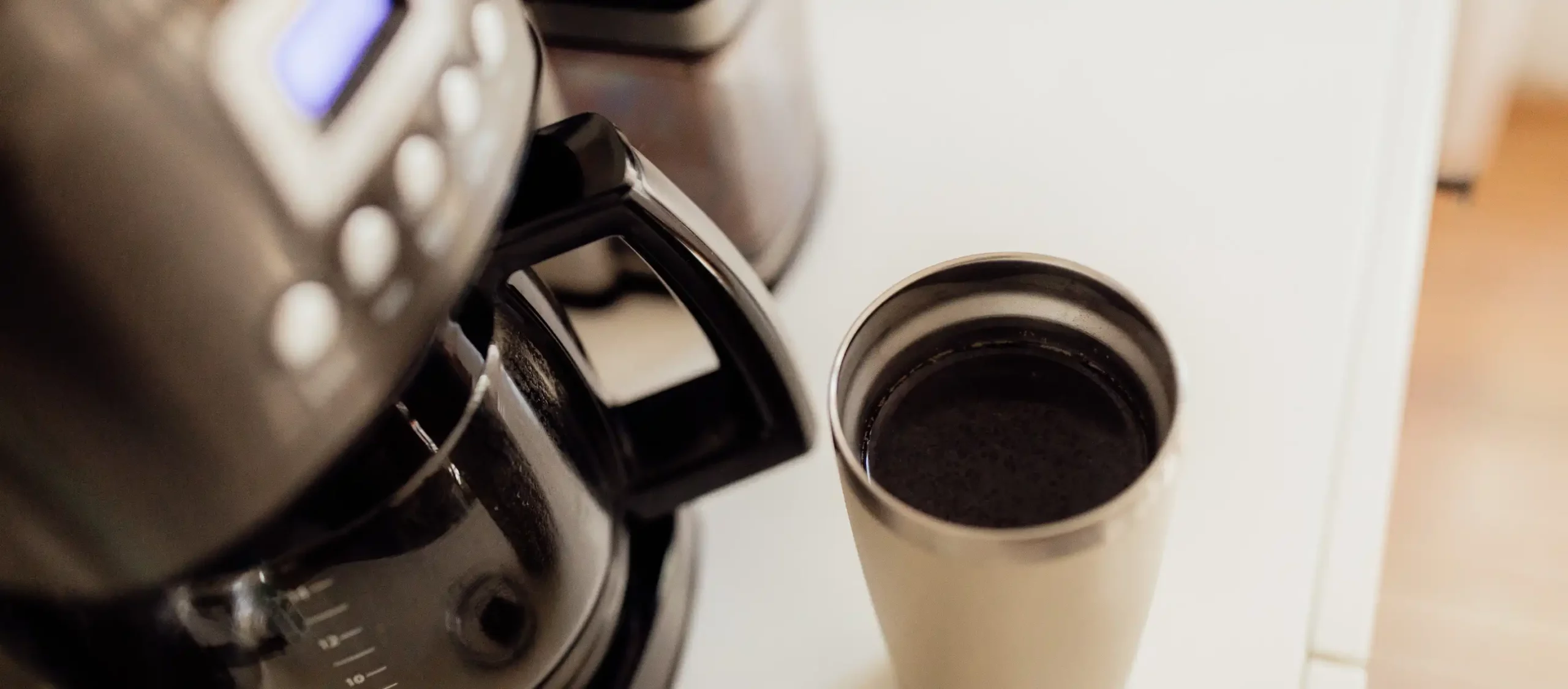
The Cuisinart 12-cup coffee maker is a popular choice for coffee enthusiasts who appreciate a perfect brew every morning. This coffee maker offers not only the convenience of brewing a large batch of coffee but also the ability to program it to start brewing at a specific time, ensuring you wake up to the delightful aroma of freshly brewed coffee.
In this comprehensive guide, we will walk you through the step-by-step process of programming your Cuisinart 12-cup coffee maker, along with answering five frequently asked questions (FAQs) to enhance your coffee brewing experience.
Step 1: Gather Your Supplies
Before programming your Cuisinart coffee maker, make sure you have the following items ready:
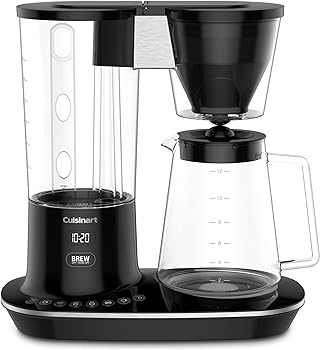
- Cuisinart 12-cup coffee maker
- Fresh coffee beans or grounds
- Coffee filter
- Water
- Coffee mug
- A power source
Step 2: Plug in Your Coffee Maker
Ensure your Cuisinart coffee maker is plugged in and ready to use. This step may seem obvious, but it’s essential to confirm a stable power connection before proceeding.
Step 3: Water Reservoir
- Lift the top lid of your Cuisinart coffee maker.
- Locate the water reservoir at the rear of the machine.
- Open the reservoir lid by lifting it.
- Fill the reservoir with the desired amount of water for your 12-cup coffee batch. Be cautious not to overfill, as it can lead to spillage during the brewing process.
- Close the reservoir lid securely.
Step 4: Coffee Grounds
- Open the top lid of the coffee maker.
- Insert a paper or permanent gold-tone coffee filter into the filter basket. You can use either type of filter based on your preference.
- Measure the coffee grounds according to your taste preferences. A standard guideline is to use one to two tablespoons of coffee grounds per six ounces of water. For a 12-cup batch, you may need around 8 to 12 tablespoons, depending on your taste.
- Add the coffee grounds to the filter in the filter basket.
- Close the lid securely.

Step 5: Programming Your Cuisinart Coffee Maker
Programming your Cuisinart coffee maker is where the magic happens.
Follow these steps to set a specific time for brewing your coffee:
- Make sure the coffee maker is plugged in and turned on.
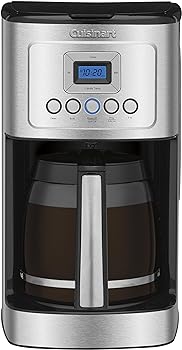
- On the front control panel, locate the “Program” button. It is usually labelled as “Prog” or “Program” and is distinct from the “On/Off” button.
- Press and hold the “Program” button. This will activate the programming mode.
- While holding the “Program” button, use the “Hour” and “Minute” buttons to set the desired brewing time. The display on your coffee maker will show the time you are setting.
- Release the “Program” button once the time is correctly set.
Your Cuisinart coffee maker is now programmed to start brewing at the designated time. A small indicator light may illuminate to confirm that the programming is active.
Step 6: Auto-On Feature (Optional)
If your Cuisinart coffee maker is equipped with the “Auto-On” feature, you can activate it for added convenience. This feature ensures that your coffee maker will automatically turn on and begin brewing at the programmed time, even if the machine is in the “Off” position.
To activate the “Auto-On” feature:
- Confirm that the coffee maker is in the “Off” position.
- Press and hold the “Auto-On” button. This button is often labelled as “Auto-On” and is separate from the “Program” button.
- While holding the “Auto-On” button, use the “Hour” and “Minute” buttons to set the desired brewing time.
- Release the “Auto-On” button once the time is correctly set.
With the “Auto-On” feature enabled, your coffee maker will start brewing automatically at the designated time, even if it was previously turned off.
Step 7: Brewing Your Coffee
Once your Cuisinart coffee maker is programmed and ready to go, you can sit back and relax until your coffee is ready. At the programmed time, the coffee maker will start the brewing process.
Here’s what happens during brewing:
- The machine will heat the water from the reservoir to the optimal temperature for brewing coffee, usually around 195°F to 205°F (90°C to 96°C).
- The hot water is then evenly distributed over the coffee grounds in the filter basket.
- The brewed coffee drips into the coffee pot or carafe beneath the filter basket.
The entire brewing process typically takes a few minutes, and your coffee will be ready when the machine completes this cycle. You can remove the carafe and pour yourself a fresh, hot cup of coffee.
Step 8: Cleaning Your Cuisinart Coffee Maker
To ensure your Cuisinart coffee maker continues to produce delicious coffee and maintain its longevity, it’s crucial to keep it clean.
Here are some general cleaning steps:
- Regularly remove and clean the coffee filter, filter basket, and carafe. These parts can be washed with warm, soapy water and rinsed thoroughly.
- Wipe down the exterior of the coffee maker with a damp cloth to remove any coffee stains or splatters.
- Descale your coffee maker periodically to remove mineral deposits that can build up from the water. To do this, mix a solution of equal parts water and white vinegar and run it through the coffee maker as if you were brewing a pot of coffee. Then, run a few cycles of plain water to rinse the machine thoroughly.
Keep in mind that specific cleaning instructions may vary depending on your Cuisinart model, so always refer to your coffee maker’s manual for detailed guidance on maintenance.
Conclusion
Programming your Cuisinart 12-cup coffee maker is a straightforward process that allows you to enjoy freshly brewed coffee at your preferred time each day. With the ability to program your machine and optional features like “Auto-On,” you can customize your coffee brewing experience to suit your lifestyle. Don’t forget to keep your coffee maker clean to ensure the best-tasting coffee every time.
By following the step-by-step guide and understanding the FAQs, you can make the most of your Cuisinart coffee maker and savour the perfect cup of coffee whenever you want.
In summary, the process of programming your Cuisinart 12-cup coffee maker includes gathering your supplies, plugging in the machine, filling the water reservoir, adding coffee grounds, and programming the brew time.
Additionally, you can enable the “Auto-On” feature for added convenience. Regular cleaning and maintenance are essential to keep your coffee maker in top condition.
So, set your coffee maker to your preferred time, wake up to the delightful aroma of freshly brewed coffee, and enjoy your day with a delicious cup of joe.
You Might Be Interested In
- How To Operate Cuisinart Coffee Maker?
- How To Descale Smeg Coffee Maker?
- How To Clean Mixpresso Coffee Maker?
- How To Use The Ninja Dual Brew Coffee Maker?
- How to Use a Budget-Friendly Mini Frother for Home Use
Frequently Asked Questions
Can I use pre-ground coffee, or do I have to grind my beans?
You can use both pre-ground coffee and freshly ground beans in your Cuisinart coffee maker. Pre-ground coffee is convenient and readily available while grinding your beans allows you to control the coarseness and freshness of the coffee. It ultimately comes down to your personal preference.
What if I want to brew fewer than 12 cups of coffee?
Your Cuisinart coffee maker is versatile and allows you to brew smaller batches. Simply adjust the amount of water and coffee grounds accordingly. The machine’s water reservoir is typically marked with cup indicators to help you measure the right amount of water.
Can I use a permanent gold-tone filter instead of paper filters?
Yes, you can use a permanent gold-tone filter in your Cuisinart coffee maker. These filters are reusable and environmentally friendly. Just make sure to clean it thoroughly after each use to maintain the quality of your brew.
Why is my coffee not hot enough?
If your coffee isn’t hot enough, it may be due to several reasons. First, check the temperature setting on your coffee maker, as some models allow you to adjust the brewing temperature. Second, ensure you’re using the right coffee-to-water ratio. If the coffee is too weak, it may taste less hot. Finally, make sure your coffee maker is clean and free of mineral deposits, as mentioned in the cleaning section.
Can I program the coffee maker for multiple brew times in a day?
Most Cuisinart coffee makers allow you to set a single programmed brew time. If you need coffee at different times throughout the day, you’ll need to reset the programming each time. The “Auto-On” feature is handy in this scenario, as it will automatically start brewing at your set time, even if the coffee maker is in the “Off” position.